.
 Is Kindle worth it? I may be slightly biased when answering this question because this blog owes its very existence to the iconic e-reader from Amazon.
A smartphone screen made it impossible to concentrate on a book by distracting me with social media notifications, urgent emails, and calendar reminders. Tired of fighting an uphill battle for sustaining my attention, I bought Kindle, the most affordable model available at the time.
And just like that my reading habits changed forever, sparking the creative project that serves as a source of constant joy and gives meaning to my life. That’s why I’ve decided to review all essential features that make this device an invaluable asset on your reading adventures.

Love reading and writing? Submit a post to our blog.
1. E-Ink Screen Mimics Real Paper and Reduces Eye Strain
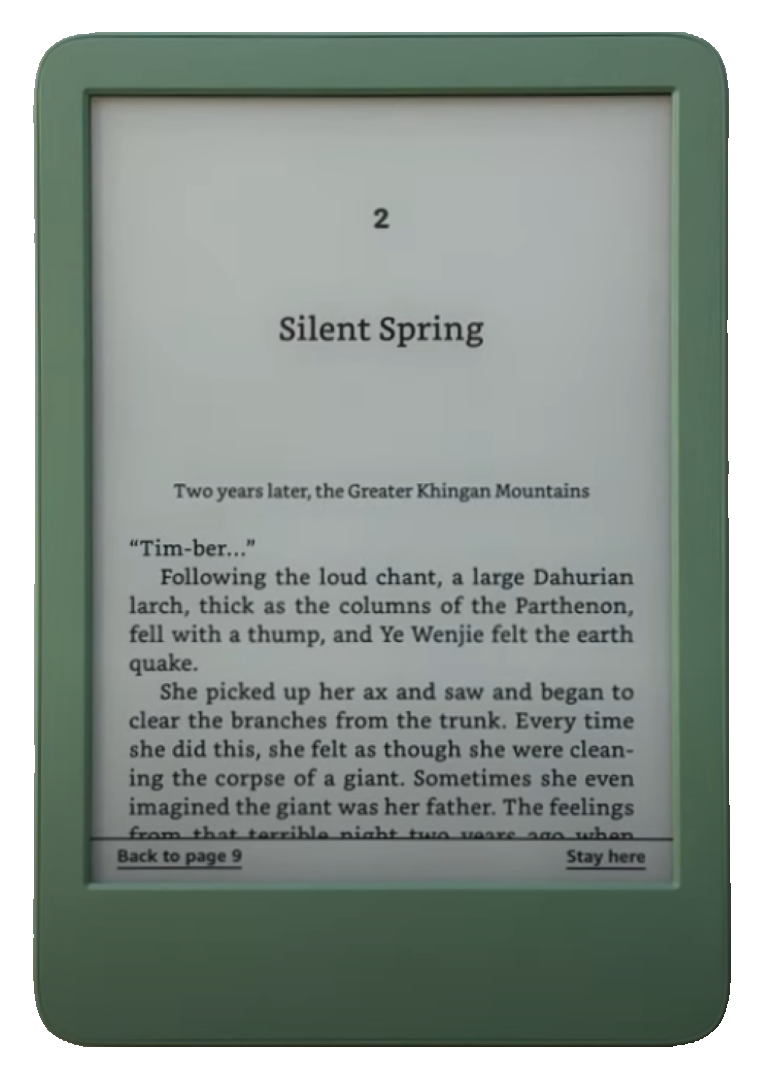
Stephen King once said that to become a writer, you must first become a reader. But it won’t happen if your eyes are always strained. This is where e-ink screen makes all the difference. Unlike glare-prone, flickering screens, it mimics printed text by eliminating blue light exposure and making reading more natural and comfortable even in direct sunlight. Using Kindle feels like reading a real book.
2. Distraction-Free Mode Helps You Focus on Reading
Uninterrupted reading on your smartphone may be impossible in the age of social media and fear of missing out on important events from the life of your friends, family, and the entire world. In his book “Ten Arguments for Deleting Your Social Media Accounts Right Now,” Jaron Lanier suggests the only way to regain your focus is to become a cat. But you don’t have to do that if you have Kindle. With the help of its distraction-free mode, you’ll lose yourself in the world of your favorite book for hours on end.
3. Using an E-Reader Helps You Preserve Your Smartphone’s Battery Life
My phone once died 30 minutes before a job interview. And it happened because I used it as a book. You might have had similar experiences as well. Once you have Kindle, your smartphone won’t be sabotaging your life as much as it used to. You get more quality reading time, and your smartphone gets to live a few hours longer.
4. Built-In Dictionary Lets You Look Up Unfamiliar Words Instantly

You can quickly learn the meaning of unfamiliar words in Kindle’s built-in dictionary. This feature becomes vital if you have to deal with technical texts or scientific literature. It came to my rescue when I stumbled upon the phrase “foundering founders” while reading a piece from one of my favorite publications.
5. Vocabulary Builder Enhances Your Writing Skills
Beside reading and writing, I’ve found two additional ways to expand my vocabulary: Merriam-Webster’s “Word of the Day” newsletter and Kindle’s Vocabulary Builder that tracks all the words I’ve looked up while reading books. Both are free, but the latter comes bundled with your e-reader. Use it wisely.
6. Word Wise Simplifies Difficult Terms as You Read
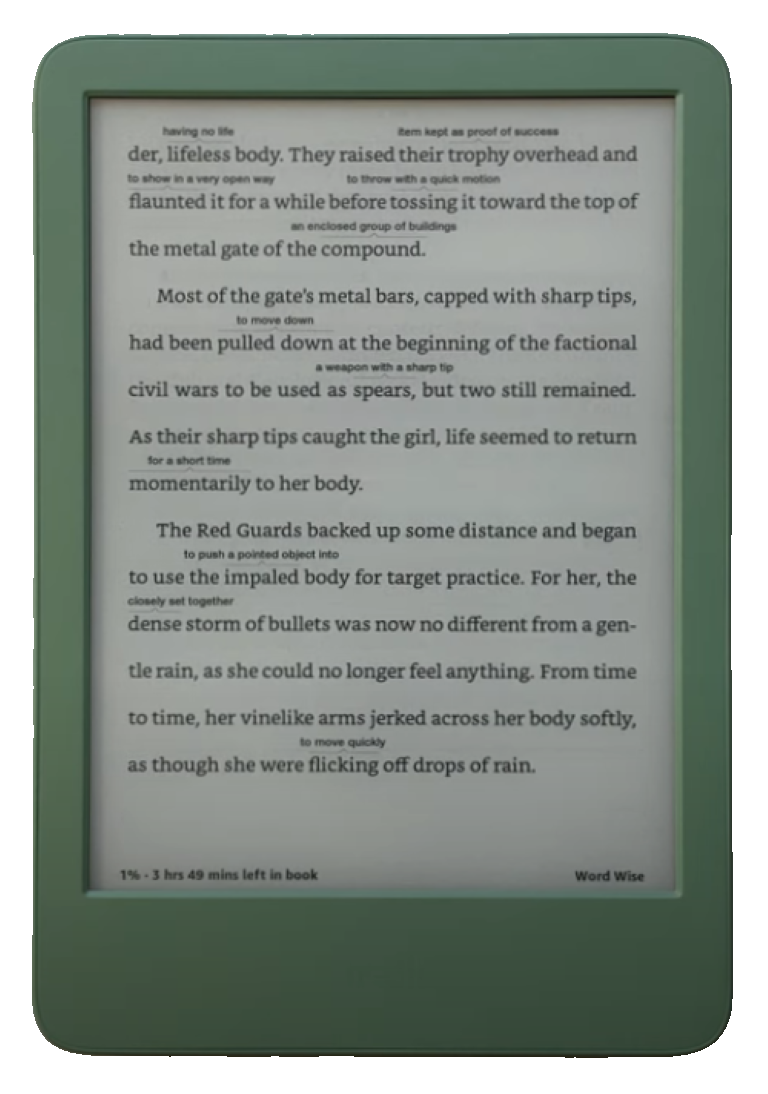
If you want to spare yourself the effort of looking up unfamiliar words in a dictionary, use Word Wise. It’s an exclusive Kindle feature that displays explanation above difficult terms as you read the text. You can adjust it to your liking.
7. X-Ray Helps You Keep Track of Characters and Plot Details
Have you ever tried reading “War and Peace” by Leo Tolstoy? Was it ever difficult to recall a character’s name and her relationship to the protagonist? You won’t have those type of problems when using X-Ray, another sanity-saving Kindle feature that helps you keep track of characters and plot details.
8. Adjustable Fonts Provide a Personalized Reading Experience
It’s shocking, but some of the most popular websites in the world still use small font size, making it difficult to admire their much celebrated written content. You’ll never have that problem while using Kindle. Its adjustable font sizes create a reading experience tailored to your needs.
9. Dark Mode Offers a Comfortable Nighttime Reading Mode.
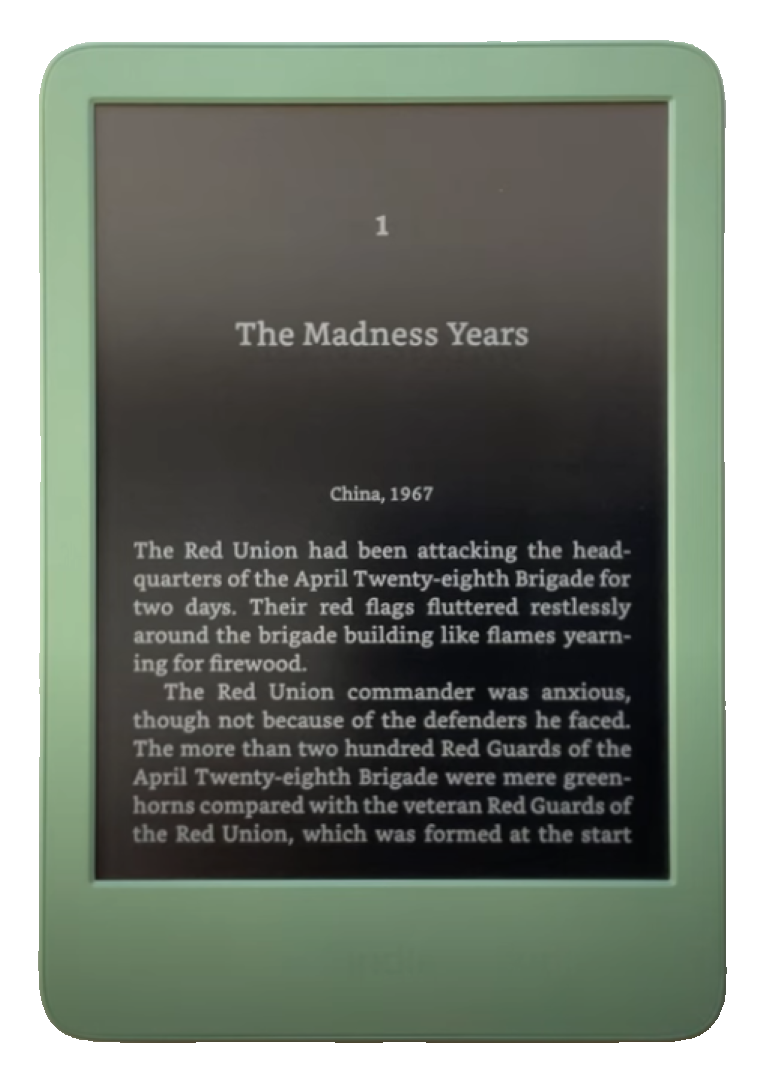
Dark mode helps you read at night. More than just a convenience feature, it has become a modern-day obsession and found its way into operating systems, browsers, and reading apps. But as far as my own preferences are concerned, its usefulness completely eludes me, both functionally and aesthetically. I’ve never used it and never going to use it.
10. Amazon Bookstore Integration Grants Access to Millions of Bestsellers
Kindle wouldn’t be Kindle without Amazon bookstore integration. Just use the search feature to find a book on any topic you like. It’s real magic.
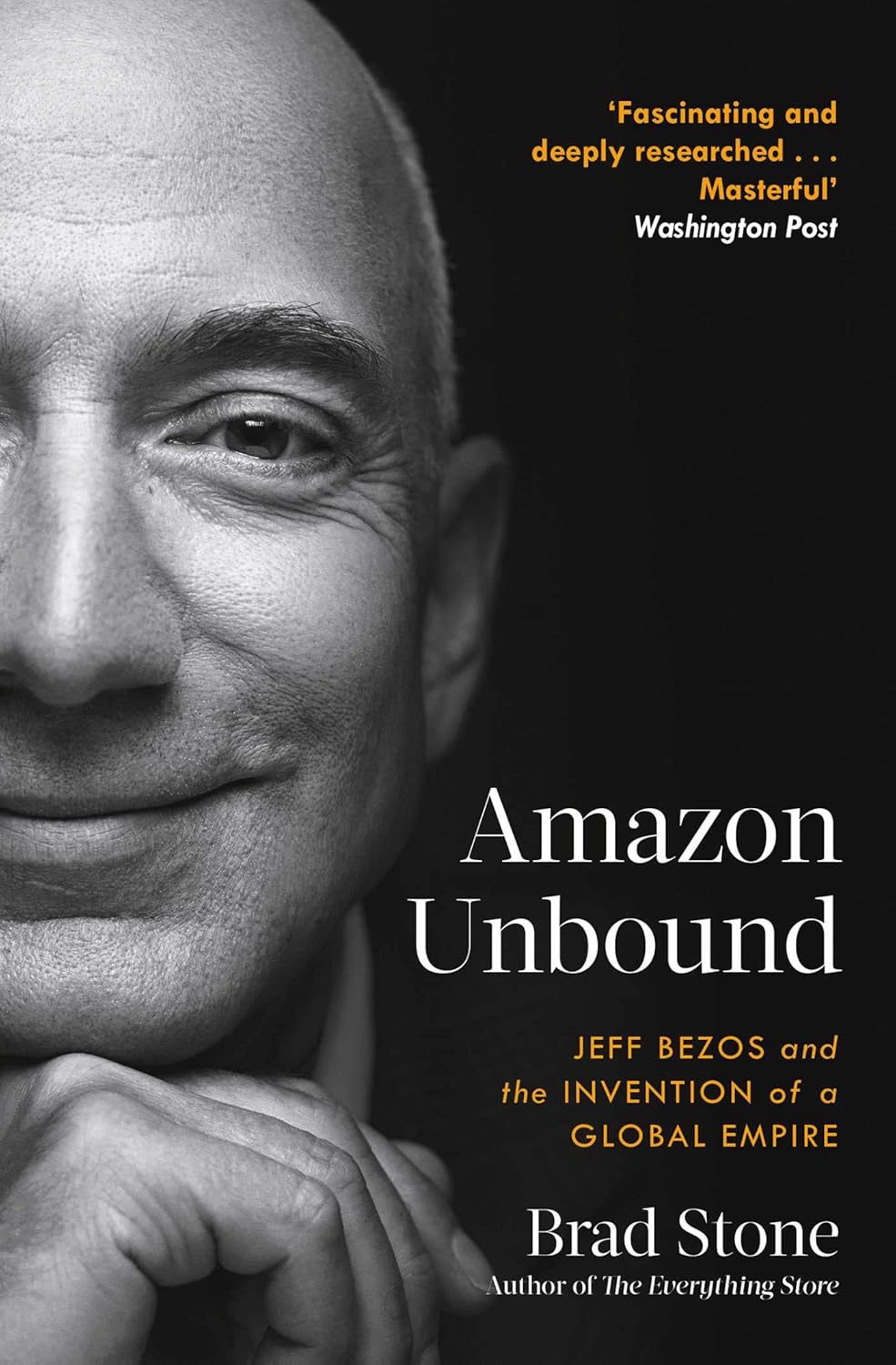
Is Kindle worth it? I hope this overview of its essential features answered your question. Complement with “Amazon Unbound: Jeff Bezos and the Invention of a Global Empire” and watch this Kindle Basic review by The eBook Reader Channel on YouTube:
Then, revisit Mortimer Adler on how to read a book and Bill Murray on how to read a poem.

I’m a freelance writer with 6 years of experience in SEO blogging and article publishing. While you’re here, get the latest updates by subscribing to my newsletter.